
Small steps, big memories
BabySteps keeps what you never want to forget – from the first week of pregnancy to your child’s first steps. A loving timeline that grows with you.
For iPhone and Android · 28 languages · Premium optional
Everything you want to keep
One app for the whole early time – clear, personal and without fuss.
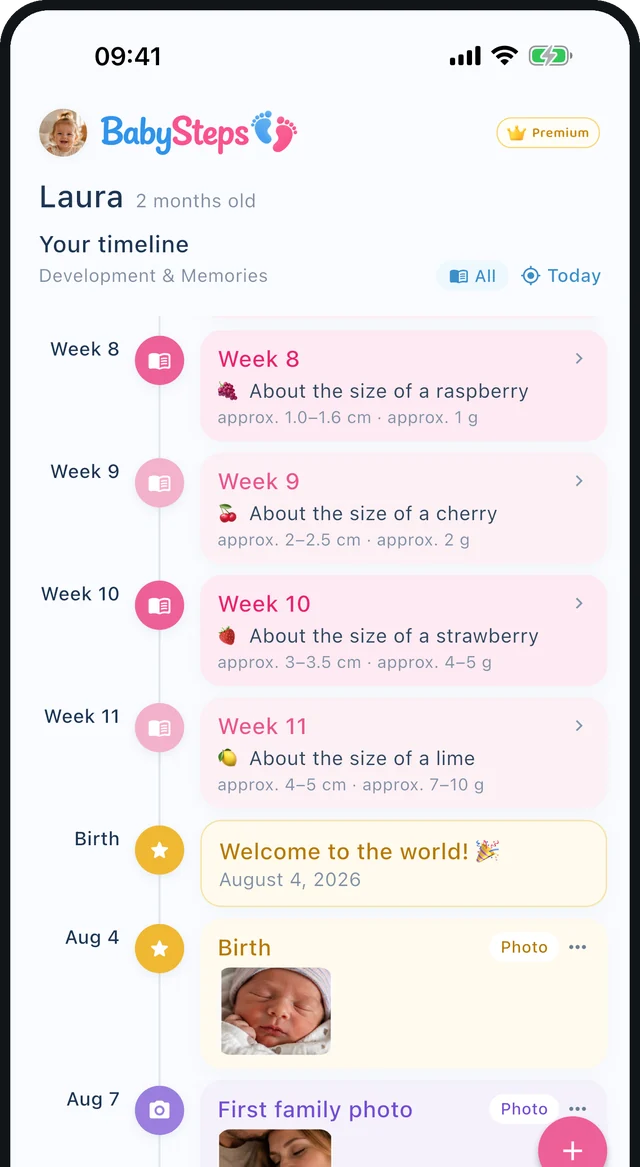
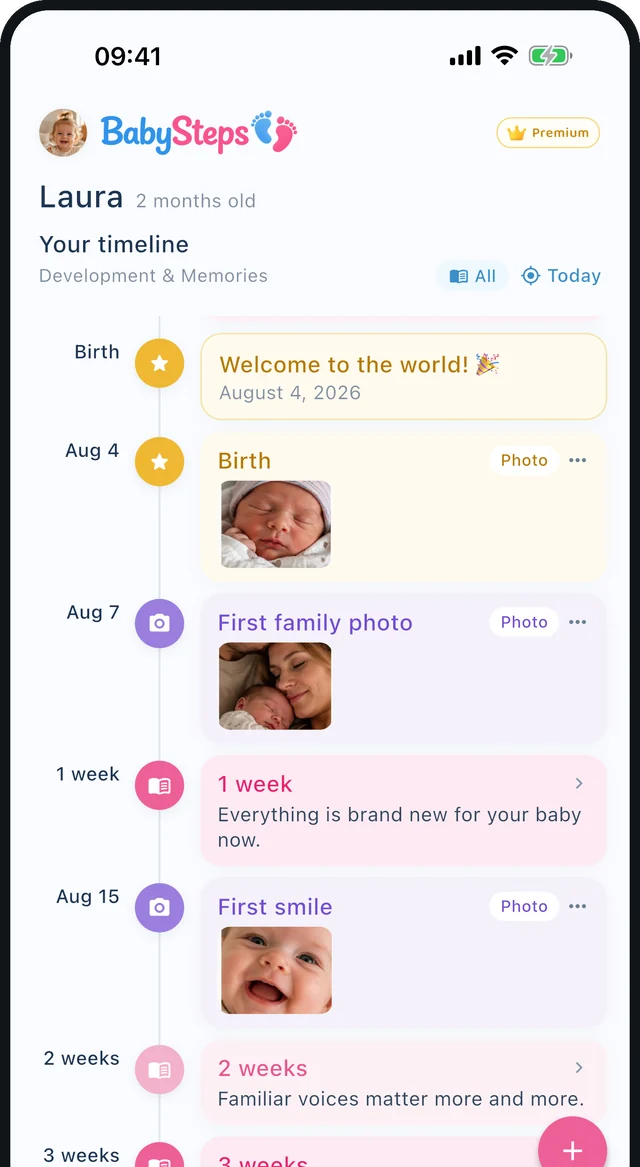
A timeline with heart
Pregnancy weeks and your child’s age on one timeline. Your memories sit exactly where they happened.
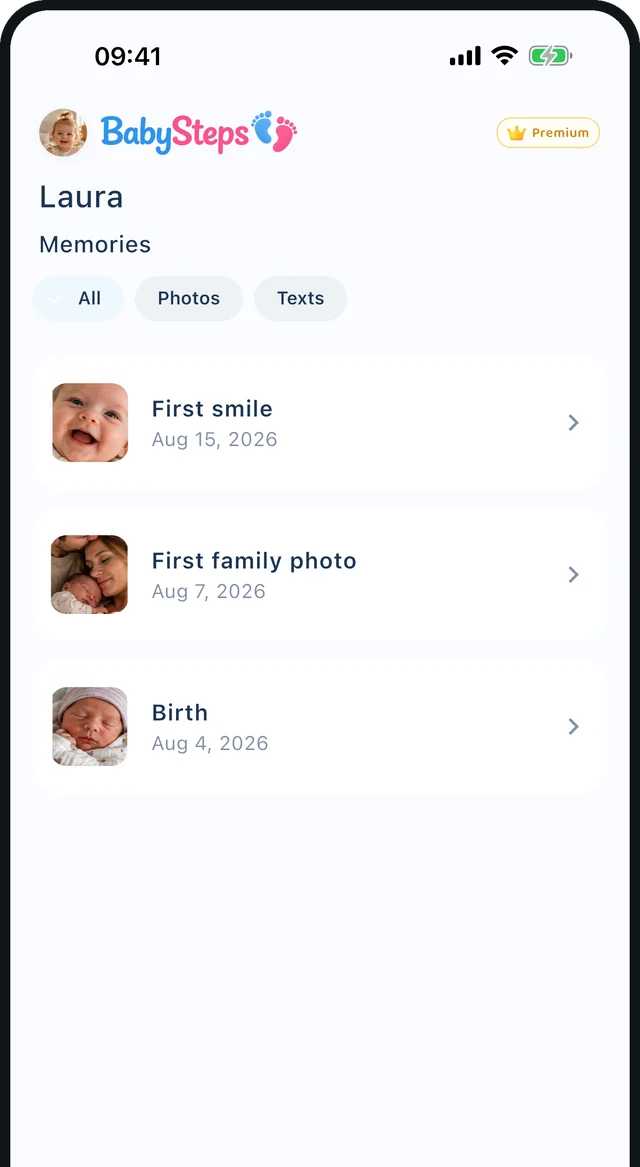
Memories with photos
Keep first times, outings and small everyday moments – with a photo, a date and your own words.
Week by week
Size comparisons and development info from week 4 of pregnancy to your child’s sixth year.
Experience it together
With Premium, you invite your partner with a code or QR code. Only the person who invites needs Premium – your partner doesn’t. You see the same timeline and both of you can add memories.
Photo book and PDF
Turn your memories into a photo book or export your timeline as a PDF – to share or print.
Gentle reminders
If you like, a note for each new week, new month, birthday or on Sundays.
28 languages
From English to Dari: the app follows your language, including right-to-left.
Your colors
Give every child their own color – from pink and blue to mint, coral or plum.
Private and secure
Your data stays on your device. Cloud backup only with your consent, and you can delete everything at any time.
This is what BabySteps looks like
Real screens from the app.
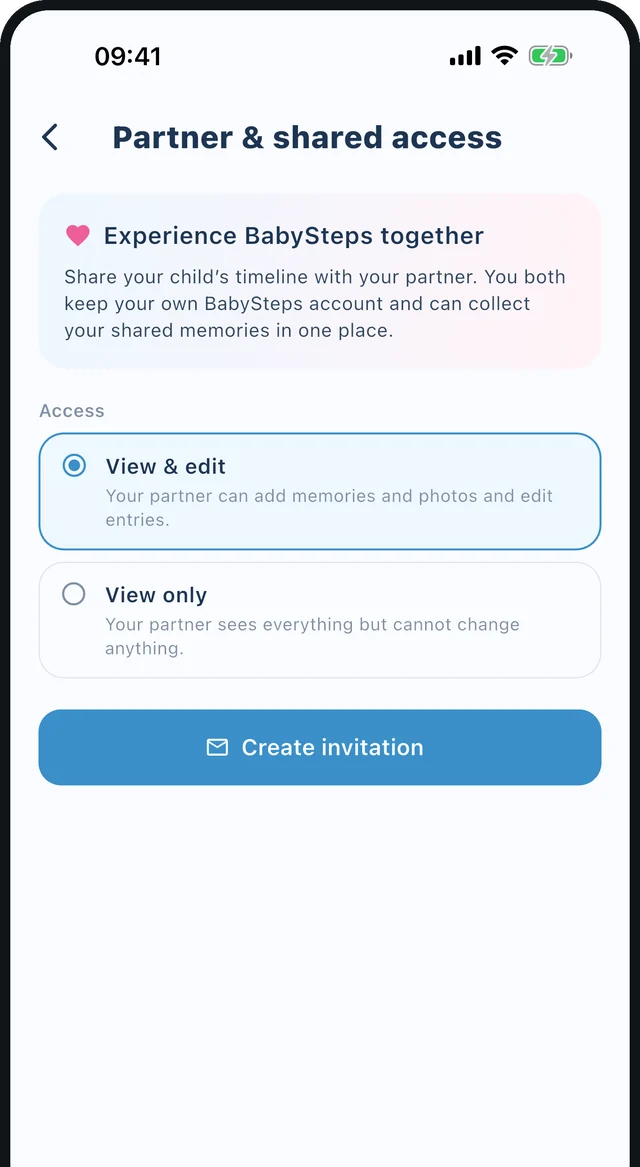
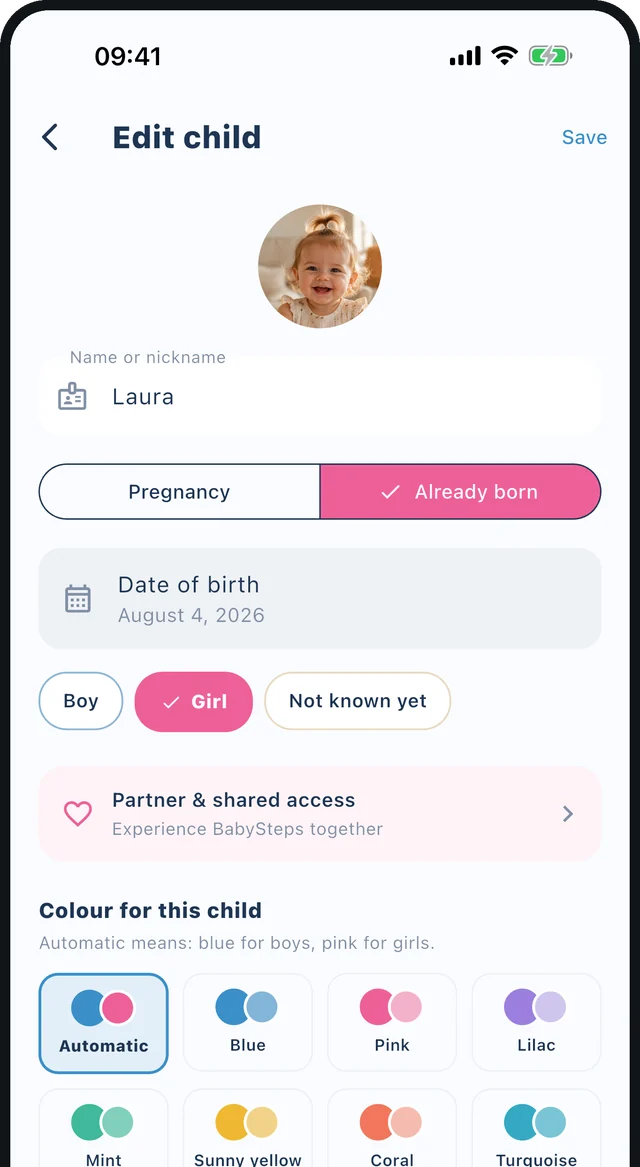
Remember together, at your own pace
With Premium, you invite your partner – you each keep your own account and see the same timeline.
- Invitation by code or QR code
- “View only” or “View & edit”
- Can be ended at any time
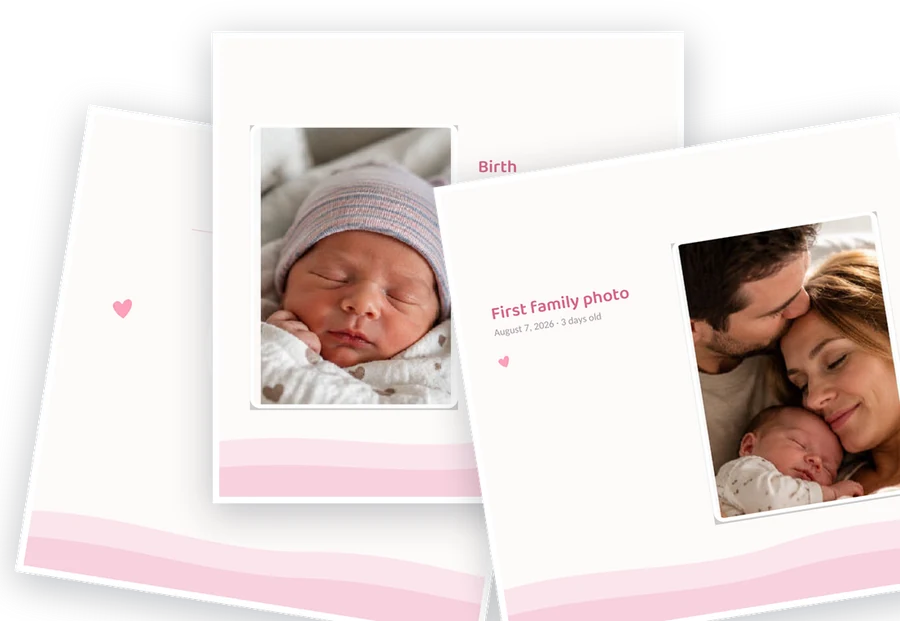
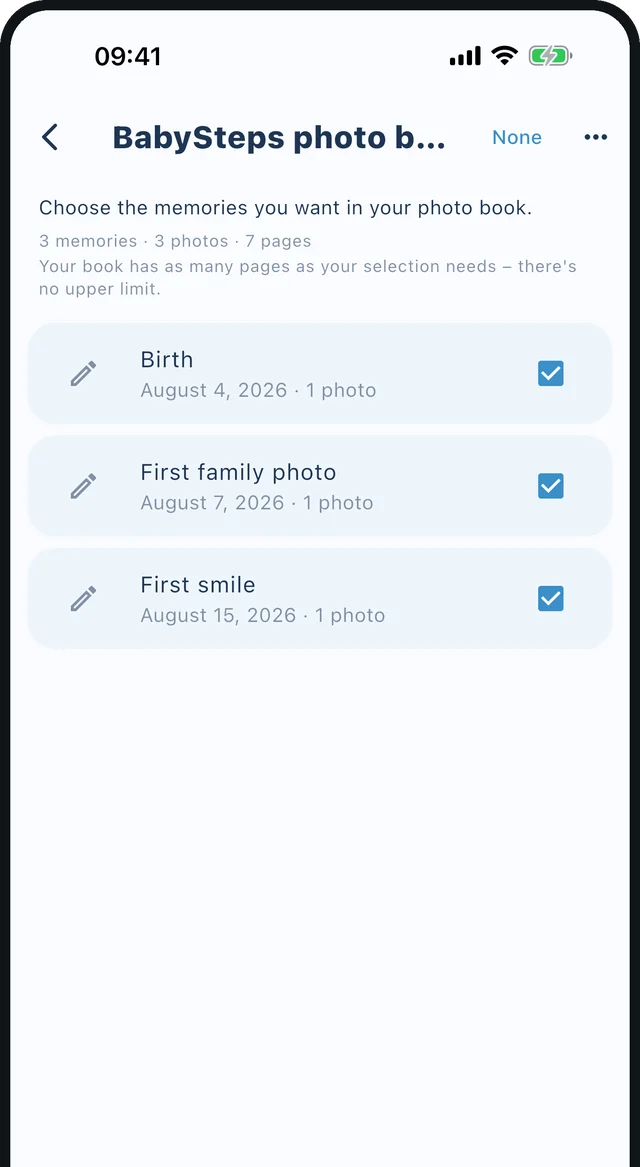
Memories become a book
Choose which moments belong in it and the app lays out the pages for you. Save as PDF, share or print.
- Photo book with title page and chapters
- Timeline PDF in landscape
- With Premium, no page limit
BabySteps speaks your language
28 languages in the app – plus texts for every week and every age.
Frequently asked questions
What does BabySteps cost?
The app is free to use: one child, 30 images, timeline and memories. With Premium (monthly or yearly subscription) you get up to 5 children, 200 images per child, no ads, photo book and PDF export, and editing together with your partner.
How do I back up my memories?
In the app, tap “More” → “Sign in & back up”. After your consent, your entries and photos are backed up to the cloud automatically and can be restored on a new device.
How do I cancel Premium?
In your app store’s subscription settings. iPhone: Settings → your name → Subscriptions. Android: Google Play → profile picture → Payments & subscriptions → Subscriptions.
I have a new phone. How do I get my data back?
Install BabySteps and sign in with the same account. Your backed-up data is loaded. To get Premium back, use “Restore purchases”.
Can I share BabySteps with the other parent?
Yes. Only the person who invites needs Premium – your partner doesn’t need their own subscription. Open the child’s profile and tap “Partner & shared access”. There you create an invitation code and choose whether your partner can only view or also edit.
What happens if I don’t open the app for a long time?
For free accounts with cloud backup that have not been opened for 12 months, we send reminder emails. If the account stays unused for 18 months, the photos in the cloud are deleted. Premium accounts are exempt. Everything on your device is kept.
How do I delete my account?
In the app under “More” → “Delete account”. You have 30 days to change your mind. Instructions are on the “Delete account” page.
Help & contact
Do you have a question, found a bug or have a wish? Email us at schokorygroup@gmail.com or use the contact form. We’ll reply as soon as we can.
Medical notice: The information about development in BabySteps consists of general averages and is not a substitute for medical advice. Always contact your doctor or midwife if you have questions or concerns.
Ready for the first steps?
Get BabySteps on your phone and keep the most beautiful moments.